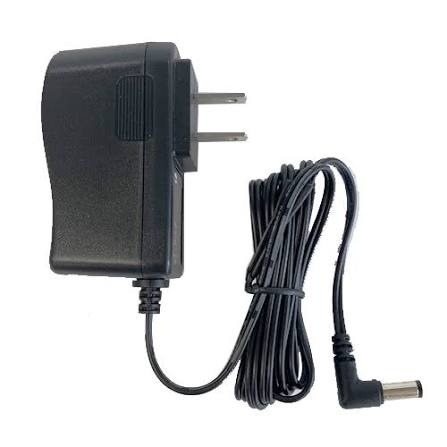
The wrong adapter is the quietest way to kill a router, a CCTV camera or a laptop — and in Pakistan, with voltage swings and load shedding, it happens all the time. In this guide we explain how to choose the right power adapter and power supply in plain language: volts, amps, plugs, GaN fast chargers, USB-C PD and how to spot a fake. Then you can browse the genuine adapters we stock, with live prices and photos.
Quick answer: how to pick the right adapter
- Voltage (V) must match exactly. A 12V device needs a 12V adapter — not 9V, not 19V.
- Current (A) must be equal or higher. A 2A adapter safely runs a device that needs 1A. The device only takes what it needs.
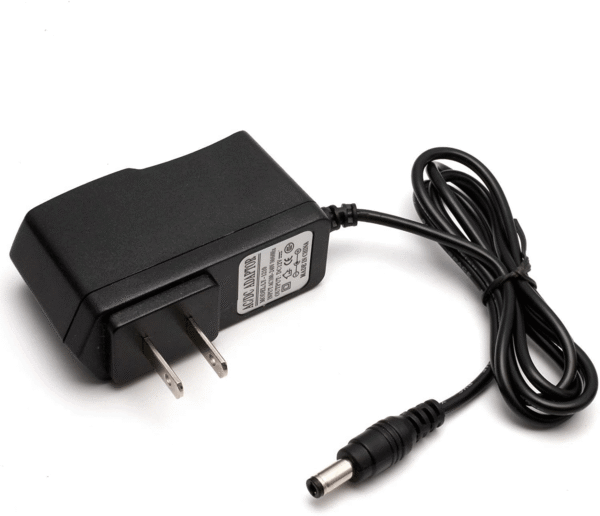
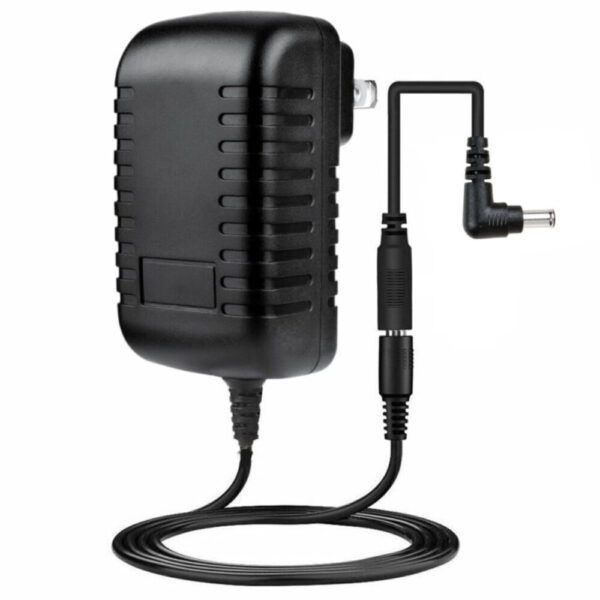
- Plug size and polarity must match. Most CCTV and router adapters use a 5.5 × 2.1 mm barrel with the centre pin positive.
- Leave 20–30% headroom for power supplies running many devices (CCTV, LED strips).
- Buy genuine with warranty. Cheap unbranded adapters are the number-one cause of overheating and burnt devices.
Why the right adapter matters
An adapter does not just “give power”. It converts 220V AC from your wall into the low-voltage DC your device actually uses. If the voltage is too high, the device can burn out in seconds. If the current is too low, the adapter overheats, the device restarts again and again, and the adapter itself can fail. Add unstable mains voltage and sudden outages, and a poor-quality adapter becomes both a money problem and a safety problem.
The good news: choosing correctly takes two minutes once you know what to read on the label.
How to read an adapter label (volts, amps, watts)
Look at the small print on your device or its old adapter. You will find an OUTPUT line such as 12V ⎓ 2A. That is all you need.
1. Voltage (V)
This must match what your device asks for. Many devices tolerate a tiny difference, but never guess — use the exact number printed on the device.
2. Current (A or mA)
This is how much power the adapter can deliver. 1000mA = 1A. Your adapter’s current should be the same or higher than the device needs. Higher is safe; lower is not.
3. Watts (W)
Watts = Volts × Amps. A 12V 2A adapter is 24W. Laptop and phone chargers are usually sold by watts (45W, 65W, 100W).
4. Plug size and polarity
Barrel plugs come in different sizes (5.5 × 2.1 mm is the most common for CCTV, routers and LED strips; 5.5 × 2.5 mm and 3.5 × 1.35 mm are also used). Look for the small symbol with a dot in the centre — centre-positive is the standard. Reversed polarity can damage a device instantly.
Power adapter vs power supply (SMPS): what is the difference?
- Power adapter — a small plug-in unit for one device: router, set-top box, single CCTV camera, laptop.
- Power supply (SMPS) — a metal or enclosed box for heavier or multiple loads: a 12V 10A supply for 4–8 CCTV cameras, LED lighting, or electronics projects. It is built for continuous use and usually has screw terminals.
- Charger — an adapter that also manages battery charging (phone, power bank, laptop battery, lead-acid or lithium packs).
Which adapter for which device? (quick chart)
Use this table as a starting point, then always confirm with the label on your own device.
| Device | Voltage | Current | Tip |
|---|---|---|---|
| Wi-Fi router / modem | 9V or 12V | 1A – 2A | Check the label on your old adapter |
| CCTV camera (Wi-Fi / analog) | 12V | 1A – 2A per camera | Most use a 5.5 × 2.1 mm barrel plug |
| DVR / NVR | 12V | 2A – 5A | Heavier load — never use a tiny adapter |
| Multi-camera CCTV (4–8 cams) | 12V | 5A – 10A | One central power supply + splitter |
| LED strip lights | 12V or 24V | Depends on length | Add the strip watts, then 20–30% extra |
| Set-top box / TV box | 5V or 12V | 1A – 2A | Match volts exactly, current can be higher |
| Laptop | 19V (most brands) | 3.4A – 4.7A | Or USB-C PD for newer models |
| Phone / tablet | 5V – 20V (PD / QC) | Up to 3A | Use a certified fast charger |
| Mini DC UPS for router | 5V / 9V / 12V | 1A – 2A | Keeps Wi-Fi alive during load shedding |
How many amps do you need? (simple example)
Say you want to power 4 CCTV cameras, each needing 12V and 1A:
- Add the current: 4 × 1A = 4A.
- Add 25% safety margin: 4A × 1.25 = 5A.
- Choose a 12V 5A power supply (or a 12V 10A one if you plan to add cameras later).
Running a power supply at 100% all day makes it hot and short-lived. A little extra capacity keeps it cool, stable and long-lasting.
What is trending in 2026: GaN, USB-C PD and one charger for everything
GaN chargers
GaN (gallium nitride) chargers are much smaller and run cooler than old silicon chargers at the same wattage. A 65W GaN charger can power a laptop, a phone and earbuds from a plug the size of a small phone charger — ideal for travel and for desks with only one socket.
USB-C Power Delivery (PD)
USB-C PD is now the common standard for phones, tablets and many laptops. The charger and device talk to each other and agree on the safest voltage, so a single USB-C charger can fast-charge a phone and also top up a laptop. For laptops, pick a PD charger whose wattage is at least what your original charger provided.
Multi-port chargers and power banks
Instead of three separate bricks, a multi-port charger gives you USB-C and USB-A outputs from one socket. Check the total wattage and how it splits when several ports are used — a “100W” charger may give only 65W to one port when others are in use.
Mini DC UPS for the router
The most popular upgrade in Pakistan right now: a small DC UPS that keeps your Wi-Fi router and ONT running for hours during load shedding. Match its output voltage (5V, 9V or 12V) to your router and you stay online while the rest of the street is dark.
Power supplies & adapters in our store
Everything below is genuine, with warranty. Prices and stock update automatically from our store.
Power supplies & adapters
 42V AC to DC Power Supply Adapter Charger with…
 36V AC to DC Power Supply Adapter Charger with…
 35V AC to DC Power Supply Adapter Charger with…
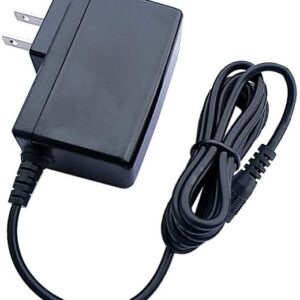 33V AC to DC Power Supply Adapter Charger with…
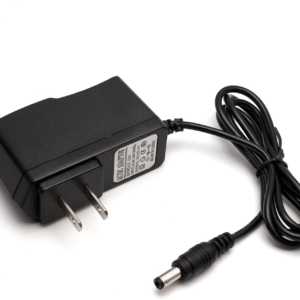 32V AC to DC Power Supply Adapter Charger with…
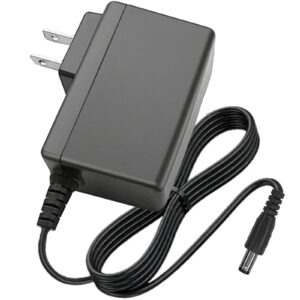 31V AC to DC Power Supply Adapter Charger with…
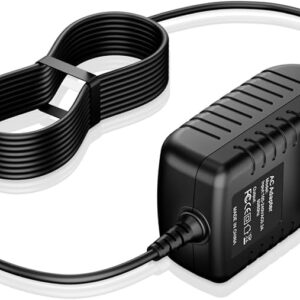 30V AC to DC Power Supply Adapter Charger with…
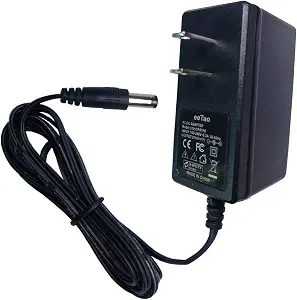 29.4V Li-ion Battery Charger Adapter AC to DC Power…
Chargers in our store
Chargers
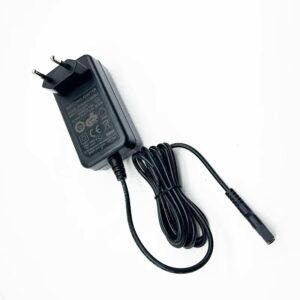 ZD24W342060EU 34.2V 0.6A EU Plug 2 prong Power Charger…
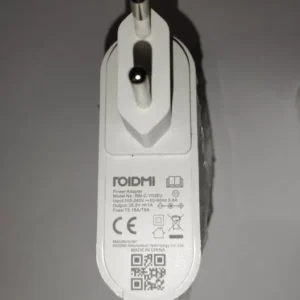 Original Roidmi 34.2V Power Adapter Charger for F8 F8E…
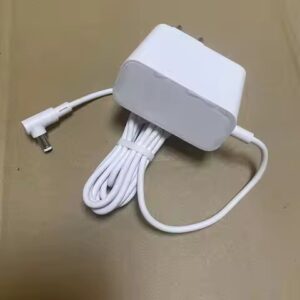 Original Xiaomi 27V Power Adapter Charger for G20 Lite…
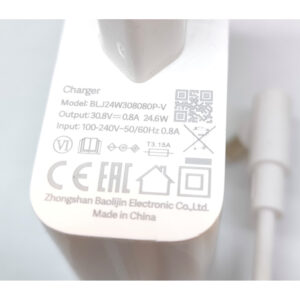 Original Xiaomi Mi 30.8V 0.8A Power Adapter Charger BLJ24W308080P-V…
 Power Adapter EU Plug for Xiaomi S10T Robot Vacuum…
 20V Cordless Drill and power tool Battery Charger Power…
 Original Dyson 30.45V 1.1A Power Adapter Charger for V10…
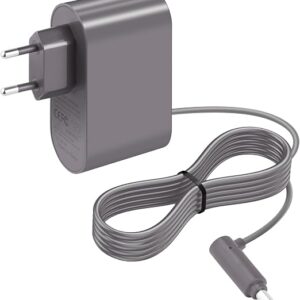 Original Dyson Vacuum Cleaner Charger 26.10V for V6 V7…
Voltage swings and load shedding: protect your devices
- Use a surge-protected extension for routers, TVs and computers — voltage spikes when power returns are what kill adapters.
- Put the router and CCTV on a UPS or mini DC UPS so they do not restart every time the power flickers.
- Unplug sensitive adapters in storms or when you leave the house for days.
- Do not daisy-chain extension boards. A long chain of cheap multi-plugs adds resistance and heat.
- Keep adapters ventilated. Do not bury them under cushions, cloth or inside closed cabinets.
How to spot a fake or low-quality adapter
- It feels too light. Genuine units contain proper transformers, capacitors and safety parts; fakes are often hollow.
- The label is blurry or misspelled, with an output rating that looks copied or unrealistic.
- It gets very hot with a light load, or hums and buzzes.
- The price is far below the market for the same wattage — safety parts are the first thing cut.
- No brand, no warranty, no return policy. If a seller will not stand behind it, do not plug it in next to your expensive device.
Common mistakes to avoid
- Using a 12V adapter on a 9V device (or the other way around) because “the plug fits”.
- Choosing a lower-amp adapter to save a few rupees.
- Powering 4–8 CCTV cameras from one small single-camera adapter.
- Ignoring plug polarity on LED strips and DIY projects.
- Charging a laptop with a random USB-C phone charger that cannot supply enough watts.
Frequently asked questions
How do I choose the right adapter for my device?
Can I use a higher amp adapter than my device needs?
What happens if I use the wrong voltage adapter?
What is the difference between a power adapter and a power supply?
What adapter does a CCTV camera need?
What is a GaN charger and is it worth it?
Can I charge my laptop with a USB-C phone charger?
How do I protect adapters from voltage fluctuation and load shedding?
Do your adapters come with warranty and cash on delivery?
Final verdict
Match the voltage exactly, give it equal or more current, check the plug and polarity, and buy from a seller that gives you a warranty. For laptops and phones, a GaN USB-C PD charger is the smartest buy in 2026; for CCTV and LED setups, a properly rated 12V power supply with 20–30% headroom keeps everything stable.
All our adapters, power supplies and chargers are genuine, covered by warranty and shipped nationwide with cash on delivery. Not sure which one fits your device? Send us a photo of its label on WhatsApp and we will tell you the exact adapter to buy.
Check our latest products: browse all power supplies & adapters.