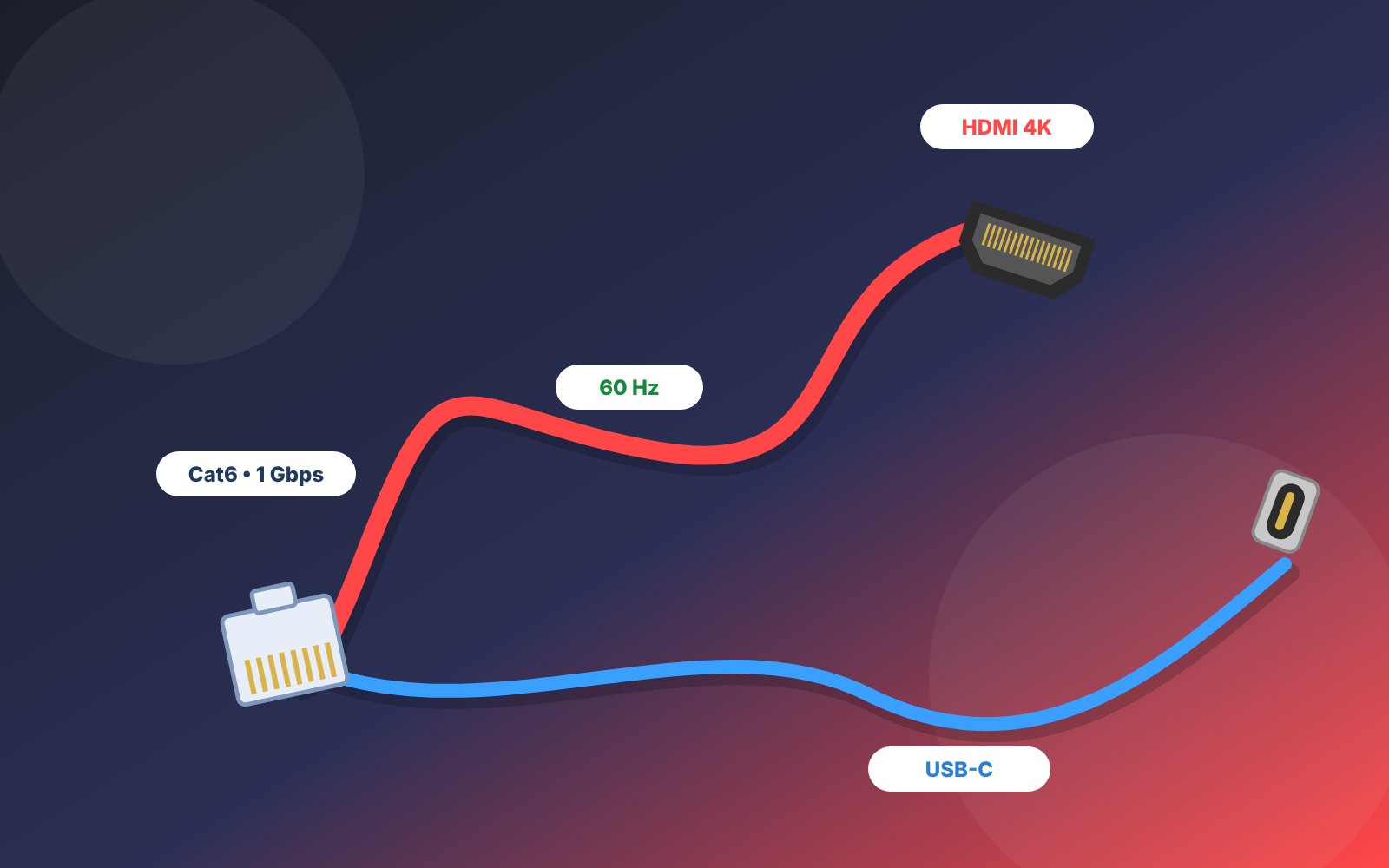
Your TV says 4K, your internet plan says 1 Gbps — but a weak cable can quietly cut both down. A flickering screen, “no signal” errors and slow wired internet are very often a cable problem, not a device problem. This guide explains HDMI 2.0 vs 2.1, Cat5e vs Cat6, USB-C basics and how to avoid fake “4K” cables in Pakistan — with the cables we stock, live prices and real photos.
Quick answer: which cable do you need?
- 4K TV or monitor: an HDMI 2.0 cable such as our HDMI 2.0 4K cable handles 4K at 60Hz.
- Wired internet, TV box or gaming: a Cat6 cable like our Cat6 Ethernet patch cable is the best value today.
- PoE CCTV cameras: use pure-copper Cat6 — never cheap copper-clad aluminium (CCA).
- PS5 or Xbox at 4K 120Hz: you need an HDMI 2.1 (Ultra High Speed) cable and an HDMI 2.1 port.
- Do not overpay: a good certified cable beats an expensive “gold-plated” one.
Start here: know your connectors
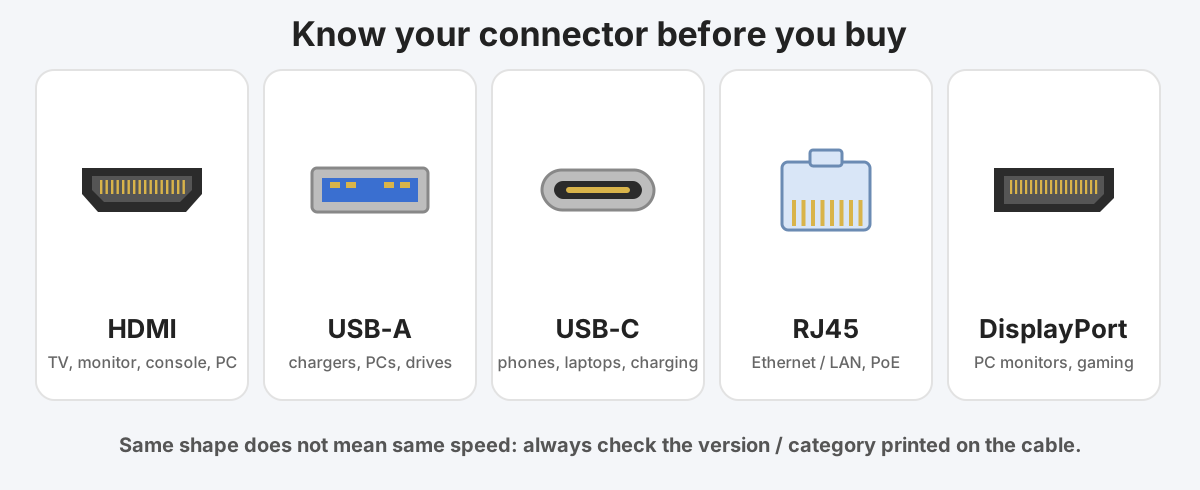
Before comparing speeds, make sure you are buying the right shape. These five connectors cover almost every home and office.
| Where you use it | Cable to buy | What to check |
|---|---|---|
| 4K TV / monitor from a console, PC or box | HDMI 2.0 (Premium High Speed) | Look for the 4K 60Hz / 18 Gbps rating |
| PS5 / Xbox Series at 4K 120Hz | HDMI 2.1 (Ultra High Speed) | Needs a certified 48 Gbps cable and an HDMI 2.1 port |
| Home Wi-Fi router to PC, TV or console | Cat5e or Cat6 Ethernet | Cat6 is the best value today |
| IP / PoE CCTV cameras | Pure-copper Cat6 | Avoid CCA cable — PoE needs real copper |
| Office or small server rack | Cat6 or Cat6a | Choose Cat6a if you want 10 Gbps over long runs |
| Phone or laptop charging and data | USB-C, correct rating | Match the watts and speed to your device |
HDMI explained: 1.4 vs 2.0 vs 2.1
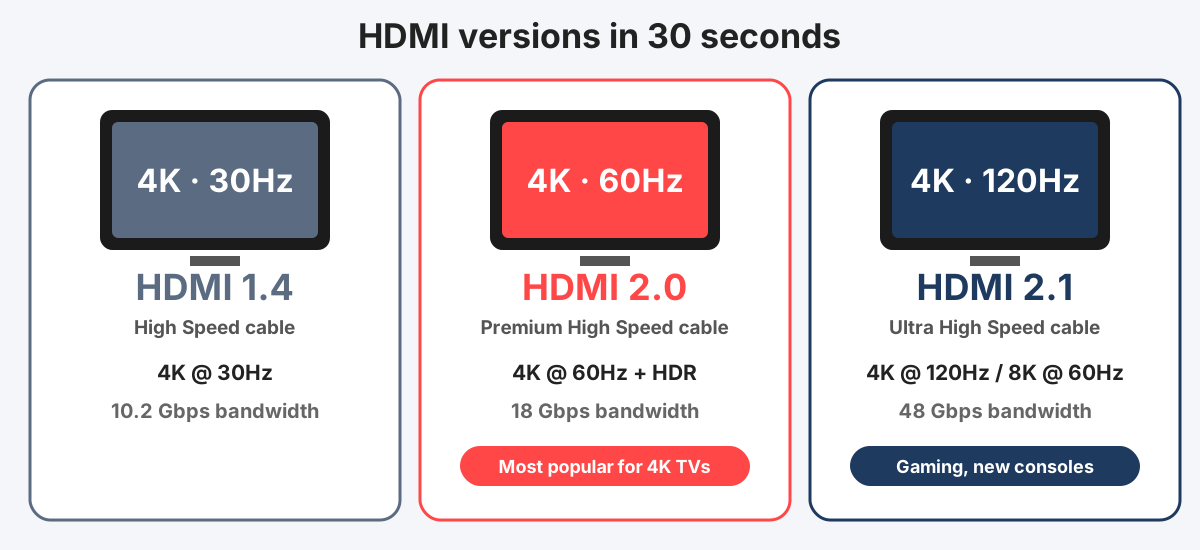
HDMI carries picture and sound from your source (console, PC, set-top box, laptop) to your TV or monitor. The version decides the maximum resolution and refresh rate, and the cable must be rated for it.
| Version | Cable label | Bandwidth | What it supports |
|---|---|---|---|
| HDMI 1.4 | High Speed | 10.2 Gbps | 4K at 30Hz, 1080p at 120Hz |
| HDMI 2.0 | Premium High Speed | 18 Gbps | 4K at 60Hz with HDR |
| HDMI 2.1 | Ultra High Speed | 48 Gbps | 4K at 120Hz, 8K at 60Hz |
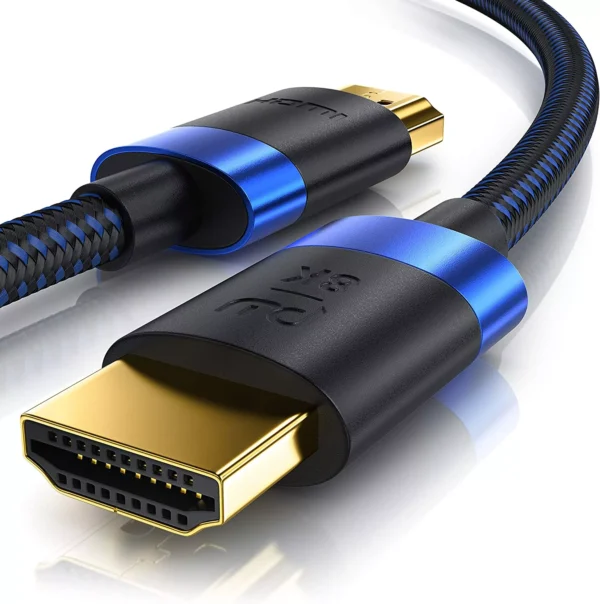
High-Speed 4K HDMI 2.0 Cable 2m | Braided Display Cable for NVR, TV & PC
A 2 metre HDMI 2.0 cable made for 4K video. It is the right match for 4K TVs and monitors, streaming boxes, laptops and most game consoles at 4K 60Hz.
- HDMI 2.0 standard
- 4K picture support
- 2 metre length
- Plug-and-play, no drivers
Best for: Connecting a 4K TV or monitor to a PC, laptop, console or Android box.
HDMI buying tips that save money
- Match the cable to the port. A 4K 60Hz TV needs an HDMI 2.0 cable — HDMI 2.1 is only needed for 4K 120Hz, 8K or advanced console gaming.
- Look for the certification label. Genuine Premium High Speed and Ultra High Speed cables carry an official label with a QR code you can scan to verify.
- Keep it short. Passive HDMI cables work reliably at 4K up to roughly 3–5 metres. Longer runs need an active or optical HDMI cable.
- Do not pay for gold plating. HDMI is digital; either the signal arrives or it does not. Build quality and certification matter more than looks.
- Check the port too. On many TVs, only one or two HDMI ports support the full 4K 60Hz or HDR features — read the label next to each port.
Ethernet cables: Cat5e vs Cat6 vs Cat6a
Wi-Fi is convenient, but a wired connection gives lower latency and a steadier speed for gaming, streaming, video calls, smart TVs and IP cameras. Ethernet cables are graded by category.
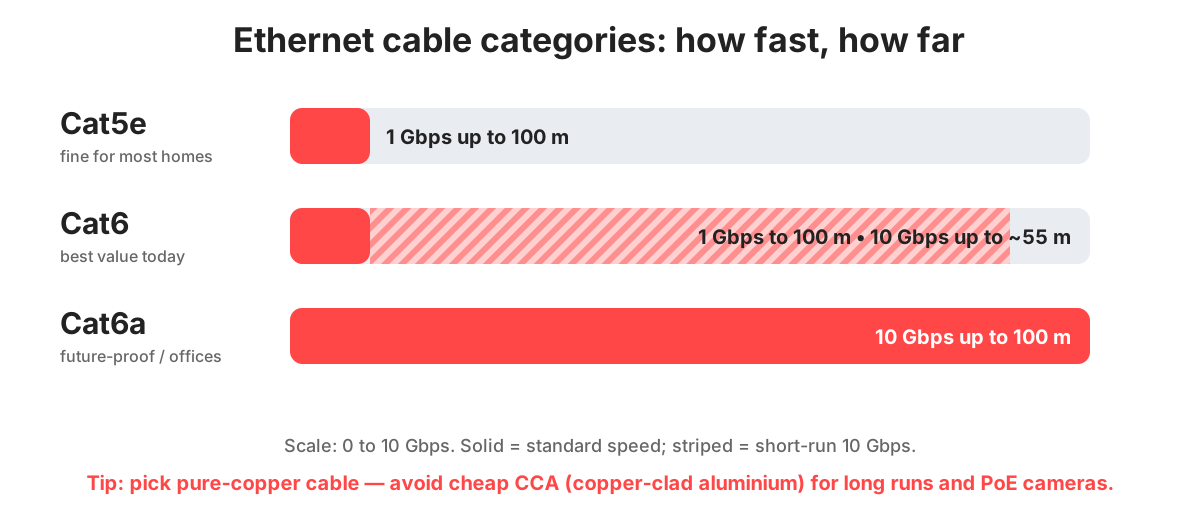
| Category | Typical speed and distance | Best for |
|---|---|---|
| Cat5e | 1 Gbps up to 100 m | Basic home and office use |
| Cat6 | 1 Gbps up to 100 m, 10 Gbps up to about 55 m | Best all-round value |
| Cat6a | 10 Gbps up to 100 m | Offices, servers, future-proofing |
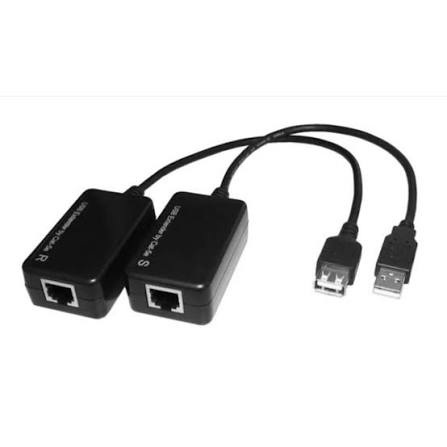
Value USB 1.1 Extender over RJ-45 LAN Cable Adapter Pair (USB Male to Female Extension Transceiver Kit up to 50M/150ft via Cat5e/Cat6 Network Cable)
A 2 metre Cat6 Ethernet patch cable for connecting your router, switch, PC, smart TV or console. Cat6 gives you headroom for gigabit speeds and a faster network upgrade later.
- Cat6 category
- RJ45 connectors both ends
- 2 metre patch cable
- Plug-and-play
Best for: Router to PC or TV, switch to NVR/DVR, console and gaming setups.
Ethernet tips
- Pure copper only. Cheap copper-clad aluminium (CCA) cable has higher resistance, runs hotter and is a poor choice for PoE cameras and long runs.
- Your plan sets the limit. A Cat6 cable cannot make a 20 Mbps internet plan faster, but a damaged or old cable can make a good plan slower.
- Maximum run: 100 metres per cable segment. Beyond that, add a switch.
- Do not bend sharply or run next to power cables. Gentle curves and a little distance from mains wiring keep the signal clean.
- Powering CCTV over the same cable? Read our guide to the best CCTV cameras for home in Pakistan for PoE tips.
USB-C cables: same plug, different abilities
USB-C is only the shape of the plug. Two USB-C cables can look identical while one charges a phone slowly and the other charges a laptop at 100W.
- Charging power: basic cables handle around 60W. For 100W laptop charging you need a cable rated for 5A.
- Data speed: cheap charging-only cables run at USB 2.0 speed (480 Mbps), while good data cables reach 5, 10 or 20 Gbps.
- Video output: not every USB-C port can send video — check your device specifications.
- Pair it with a proper charger. See our guide to choosing the right power adapter and power supply.
How to spot a fake or poor-quality cable
- It feels feather-light. Very thin, light cables often have thin or aluminium conductors.
- No category or version printed. Real Ethernet cables print “Cat6” along the jacket; real HDMI cables show the standard and a certification label.
- Unbelievable price for “8K”. If a 5 metre “8K HDMI 2.1” cable costs less than a basic HDMI cable, it is almost certainly not what it claims.
- Loose or rattling connectors. Connectors should click in firmly and feel solid.
- Symptoms: sparkles on the screen, picture dropping out, “no signal”, or a network that disconnects when the cable is touched.
Make your cables last
- Pull from the plug, never from the cable.
- Never kink or fold a cable tightly — loose loops are best.
- Use Velcro ties instead of tight plastic zip ties.
- Keep cables away from heat, water and sharp edges.
- Label both ends so you never unplug the wrong one.
Cables in stock now
Cables and connectors
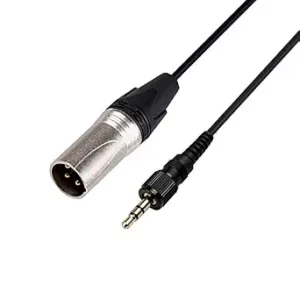 3.5mm TRS Mini Jack to 3-Pin XLR Male Audio…
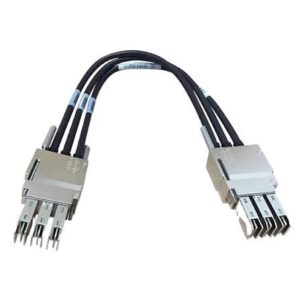 Cisco STACK-T1-50CM V01 StackWise-480 Stacking Cable (0.5M 50cm for…
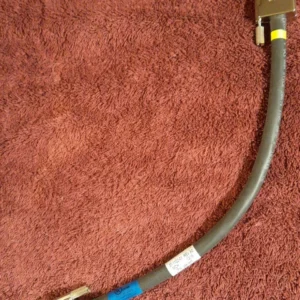 Cisco 37-1122-01 30CM StackPower Power Cable (CAB-SPWR-30CM for Catalyst…
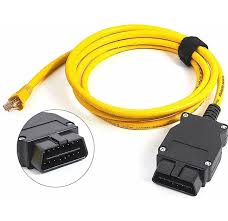 Ethernet RJ45 to OBD2 ENET Cable for BMW F-Series…
 Cisco STACK-T1-1M V01 StackWise-480 Stacking Cable 800-40404-01 (1 Meter…
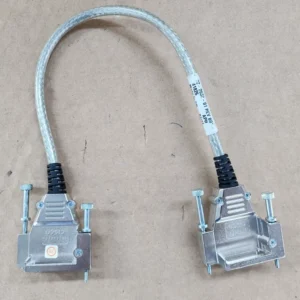 Cisco 72-2632-01 50CM StackWise Stacking Cable (CAB-STACK-50CM for Catalyst…
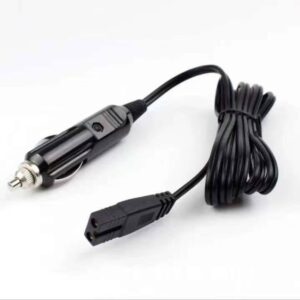 Car Cigarette Lighter Charger Cable with Type B /…
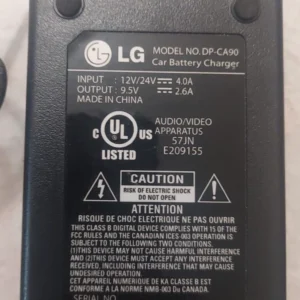 LG DP-AC90 9.5V 2.6A Car Power Adapter (DP-CA90)
Frequently asked questions
What is the difference between HDMI 2.0 and HDMI 2.1?
Do I need an expensive HDMI cable for 4K?
Which is better, Cat5e or Cat6?
Can an Ethernet cable make my internet faster?
How long can an HDMI cable be?
What is the maximum length of an Ethernet cable?
Why is copper-clad aluminium (CCA) Ethernet cable a bad idea?
Do your cables come with warranty and cash on delivery?
Final verdict
For most Pakistani homes the shopping list is simple: an HDMI 2.0 cable for your 4K TV or monitor and a Cat6 Ethernet cable for a faster, more stable wired connection. Add HDMI 2.1 only if you really game at 4K 120Hz, choose pure copper for CCTV and PoE, and always buy from a seller who offers warranty support. All our cables ship nationwide with cash on delivery.
Check our latest products: browse all cables. Not sure which one to pick? Message us on WhatsApp with your device model.